Standardizing Git Workflows Across Your Team
Every developer knows the frustration: you're deep in a debugging session using `git bisect`, when a critical hotfix forces you to switch contexts. You create a new worktree, but your teammate uses a
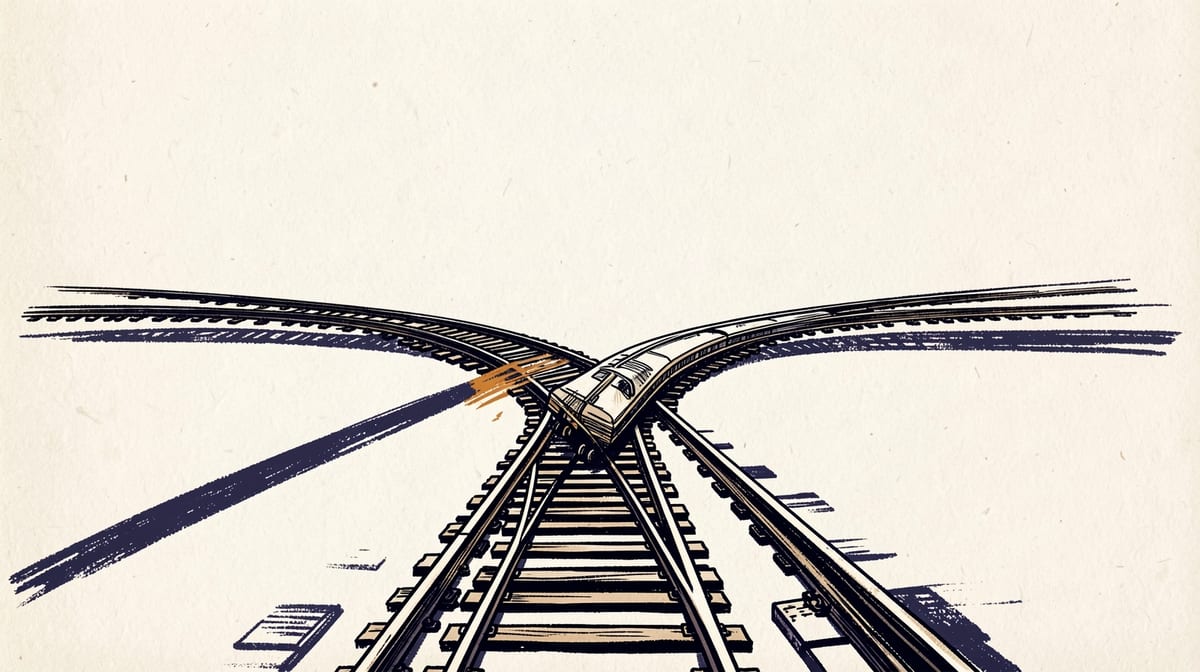
Every developer knows the frustration: you're deep in a debugging session using git bisect, when a critical hotfix forces you to switch contexts. You create a new worktree, but your teammate uses a different branch management strategy. Two hours later, you're still untangling merge conflicts that could have been avoided with consistent workflows.
This scenario plays out thousands of times daily across engineering teams. Git's flexibility, designed as a feature, has become a hidden productivity killer. When teams lack Git advanced workflows team standardization, the cognitive overhead of context switching between different approaches creates a measurable drag on velocity that most organizations never quantify or address.
The Hidden Productivity Tax of Git Workflow Chaos
Git was designed for flexibility, not uniformity. According to Atlassian's workflow documentation, Git deliberately lacks standardized interaction processes, prioritizing adaptability over consistency. This design choice made sense for the distributed, loosely coordinated development of the Linux kernel, but it creates serious problems for modern software teams.
The context switching tax manifests in several ways. Developers waste time figuring out which workflow their current project uses. They make mistakes when switching between repositories with different branching strategies. New team members face steep learning curves when each project has its own Git conventions.
Consider a typical scenario: a developer working on Feature A uses git worktree to maintain separate working directories for different branches. When they need to help debug an issue on Feature B, they discover their teammate uses interactive rebase for a clean history, while another colleague relies on merge commits. Each approach requires different mental models and command sequences.
FAQ: Common Git Workflow Standardization Questions
Q: How much team velocity is lost when developers switch between different Git workflows?A: Teams typically lose 15-25% of development velocity to Git workflow overhead when using inconsistent practices. This includes time spent resolving merge conflicts, understanding different branching strategies, and context switching between workflow approaches. The impact scales with team size and project complexity.
Q: Should advanced Git tools like worktrees and interactive rebase be mandatory or optional?A: The most successful approach is making basic workflow elements mandatory (branching conventions, merge strategies) while providing standardized, optional pathways for advanced tools. This ensures consistency in essential operations while allowing developers to adopt advanced techniques as their comfort levels increase.
Q: How do you enforce Git workflow standards without creating development bottlenecks?A: Automated enforcement through pre-commit hooks, CI/CD gates, and IDE integrations works better than manual review processes. The key is catching workflow violations early and providing clear guidance for resolution. Most successful teams combine automated checks with comprehensive documentation and training.
Q: What's the optimal balance between Git flexibility and team standardization?A: Standardize the workflows that affect team collaboration (branching strategies, merge approaches, commit message formats) while allowing flexibility in personal productivity tools. Focus standardization efforts on operations that impact other team members rather than individual development practices.
Q: How long does it typically take to implement Git workflow standardization across a development team?A: Most teams see initial productivity improvements within 2-4 weeks of implementing basic workflow standards. Complete standardization, including advanced tool adoption and cultural change, typically takes 3-6 months depending on team size and existing workflow complexity.
Conclusion: Building Velocity Through Git Workflow Discipline
Git workflow standardization isn't about limiting developer flexibility; it's about eliminating the hidden productivity tax that inconsistent practices impose on teams. When developers can focus on solving problems rather than navigating different Git conventions, velocity increases measurably.
The path forward requires balancing automation with education, enforcement with flexibility, and immediate wins with long-term improvements. Teams that successfully standardize their Git workflows report significant improvements in collaboration efficiency, onboarding speed, and overall development velocity.
Three immediate actions for implementing Git workflow standardization:- Audit and measure your current Git workflow overhead by tracking time spent on merge conflicts, code review cycles, and onboarding Git-related tasks to establish baseline metrics for improvement.
- Implement automated workflow enforcement through pre-commit hooks and CI/CD gates that catch workflow violations early, combined with clear documentation explaining the reasoning behind each standard.
- Create progressive adoption pathways that standardize essential collaborative workflows immediately while providing optional, guided approaches for advanced Git tools that teams can adopt as their expertise grows.
Sources
Researched from the following. Figures and claims were current when this piece was written and may have moved since.
- Comparing Git workflows: What you should knowatlassian.com
- r/git on Reddit: Git workflows, best practices, branching strategies etcreddit.com
- r/softwarearchitecture on Reddit: What Git workflow does your company follow?reddit.com
- A successful Git branching modelnvie.com
- Git Workflows for Teams: From Basics to Advanced Strategiessamuelodekunle.medium.com
- Git Workflows for Pros: A Good Git Guidetoptal.com
- How to Share Agent Skills with Your Team [Workflow Standardization Tips]skill-gallery.jp
Comments