n8n vs LangGraph for Multi-Agent Workflows
LangGraph is a code-first framework built by the LangChain team for stateful, multi-agent systems. n8n is a visual automation platform that now ships dedicated AI nodes for agents, memory, and tools.
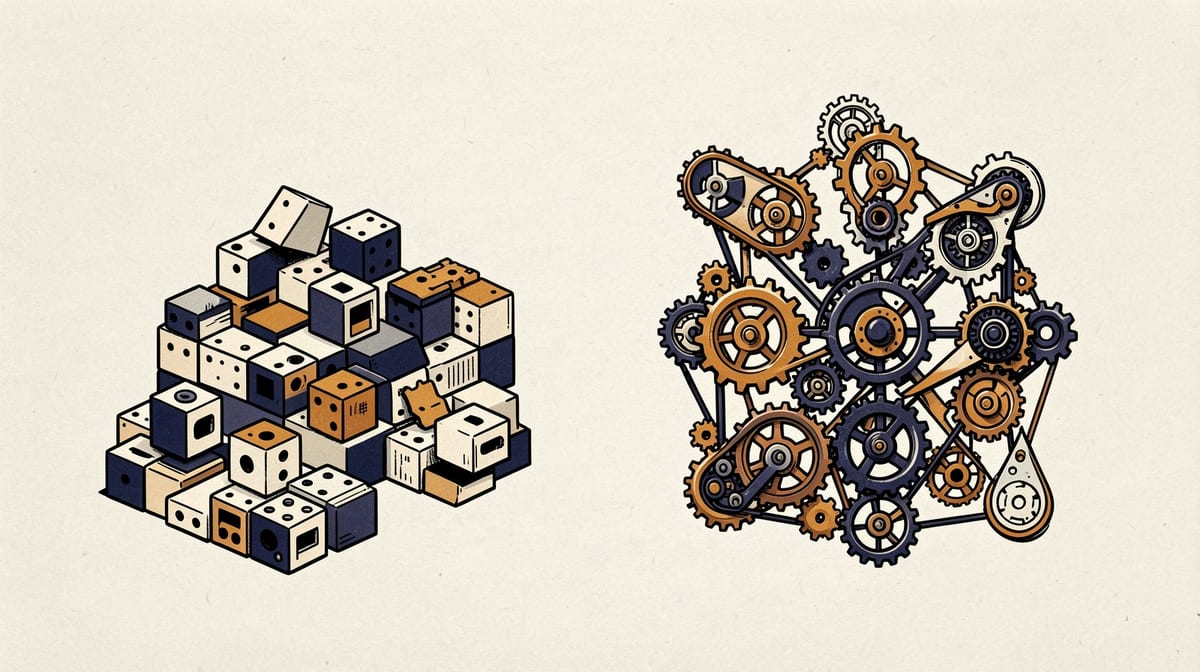
LangGraph is a code-first framework built by the LangChain team for stateful, multi-agent systems. n8n is a visual automation platform that now ships dedicated AI nodes for agents, memory, and tools. Both get pitched as the answer to multi-agent orchestration in 2026, but they solve different problems, and picking the wrong one costs teams months of rework.
This comparison breaks down where each tool actually wins, based on how they handle state, agent communication, and production reliability. If you're choosing between n8n and LangGraph for a multi-agent build, the decision usually comes down to three things: how complex your agent interactions need to be, how much coding capacity your team has, and how much control you need over failure states.
Architecture Fundamentals: Code-First vs Visual-First
LangGraph gives you a programmatic graph DSL in Python or TypeScript. According to Width.ai, this makes it purpose-built for stateful, multi-agent systems where you need fine-grained control over how nodes pass state to each other. You define the graph in code, which means every transition, condition, and loop is explicit and version-controlled.
n8n works the opposite way. According to n8n's own comparison page, the platform ships Agent nodes, memory and embedding nodes, tool nodes, and structured output parsers, all configurable through a visual canvas without writing code. You drag, connect, and configure rather than write.
The practical difference shows up fastest in how each platform treats complexity. According to ZenML, LangGraph offers unrestricted complexity for workflow control because you're writing real code, while n8n gives you a fixed set of visual control structures that get you moving faster on simpler builds. That ceiling on n8n's visual logic is the single biggest factor in this comparison.
Multi-Agent Capabilities: Sequential Chaining vs Dynamic Collaboration
This is where the two platforms diverge hardest. According to LOW/CODE, n8n's multi-agent capabilities are mostly limited to workflows calling other workflows, or chaining agent steps one after another. There's no built-in mechanism for agents to negotiate, interrupt each other, or dynamically re-route based on another agent's output mid-run.
LangGraph was built for the opposite scenario. According to DEV Community's 2026 production post-mortem on enterprise multi-agent systems, LangGraph excels at multi-agent collaboration, autonomous tool execution, and human-in-the-loop approval steps baked directly into the graph. Agents can branch, loop back, and pass control to each other based on live state, not a fixed sequence.
If your use case is "Agent A does its job, then Agent B picks up," n8n's sequential chaining works fine. If you need agents that argue with each other, re-plan mid-task, or wait for a human to approve a step before continuing, you're in LangGraph territory.
State Management and Memory
Multi-agent systems live or die on how well they track state across steps. LangGraph treats state as a first-class citizen: every node reads from and writes to a shared, typed state object that persists across the entire graph execution. This is what lets it support deep memory management and multi-step probabilistic reasoning, according to DEV Community.
n8n handles memory through dedicated memory and embedding nodes, which work well for retrieval-augmented generation and simple conversational context. According to n8n's comparison page, these nodes cover common patterns like chat history and vector lookups. But they weren't designed for the kind of complex, branching state that a LangGraph state object handles natively.
For linear workflows hitting standard SaaS APIs, n8n's memory nodes are more than enough. According to DEV Community, n8n is built for workflows that don't require multi-step probabilistic reasoning, and that's exactly the ceiling its memory system reflects.
Production Readiness: Reliability and Compliance
Enterprise teams asking about n8n vs LangGraph multi-agent reliability usually care about one thing: what happens when it breaks. According to DEV Community's production post-mortem, LangGraph is the better fit when you need zero-error statutory calculations, such as contractual SLA guarantees where a wrong output has legal or financial consequences.
That's a direct result of the code-first approach. When your logic lives in code, you can write explicit tests, add assertions, and catch edge cases before they hit production. A visual canvas makes this harder to audit at the same depth, though n8n's code nodes close some of that gap.
Code Nodes as a Middle Ground
n8n includes code nodes that offer isolated JavaScript or Python environments with access to upstream workflow context, according to n8n's own documentation. This lets teams drop into actual code for the parts of a workflow that need precise logic, without rebuilding the entire pipeline in a framework like LangGraph.
It's a reasonable escape hatch, but it doesn't turn n8n into a full programmatic framework. You're writing isolated functions inside nodes, not defining a graph with typed state transitions across the whole system.
Development Speed vs Control Trade-offs
Here's the trade-off in plain terms: n8n gets you to a working prototype faster, and LangGraph gets you more control over exactly how that system behaves under pressure.
| Factor | n8n | LangGraph |
|---|---|---|
| Setup speed | Fastvisual drag-drop | Slowerrequires code |
| Coding needed | Minimalcode nodes optional | RequiredPython/TypeScript |
| Agent communication | Sequentialworkflow-calls-workflow | Dynamic, live state sharing |
| Control structures | Fixed setof visual blocks | Unrestrictedfull code logic |
| Best fit | Standard SaaS automation | Complex multi-agent reasoning |
This table shows the core trade-off: n8n favors speed of delivery, LangGraph favors depth of control.
That fixed set of visual control structures is exactly why n8n is faster to adopt. According to ZenML, you don't need to write a parser or design a state machine, you just connect nodes. But that same fixed set is the ceiling you hit once your agents need to do something the visual blocks weren't designed for.
Real-World Use Cases: Where Each Platform Actually Gets Used
Retail and shopping agents. Autonomous agents that compare prices, negotiate with multiple vendor APIs, and adapt their strategy based on live inventory data need the kind of dynamic reasoning LangGraph is built for. n8n can automate the surrounding plumbing, like pulling inventory feeds or posting order confirmations, but the core negotiating logic needs more than sequential chaining. Financial and regulatory calculations. Anything touching statutory rules, tax calculations, or contractual SLAs needs the zero-error guarantees DEV Community flags as a LangGraph strength. A visual workflow can trigger these calculations, but the calculation logic itself belongs in code you can unit test. Standard SaaS automation. Syncing a CRM to a spreadsheet, sending Slack alerts when a form is submitted, or routing support tickets based on keywords are classic n8n jobs. According to DEV Community, these linear workflows involving standard SaaS APIs are exactly what n8n handles well without needing multi-step reasoning.Migration and Hybrid Strategies
Few teams actually need to pick one platform forever. A common pattern that's emerged by 2026: build the core agent reasoning in LangGraph, then use n8n as the orchestration layer around it for triggers, notifications, and connecting to the dozens of SaaS tools a business already runs on.
According to a widely discussed thread on Reddit's r/n8n community, the recommended path for teams selling production-grade AI agents is to build the robust core in LangChain or LangGraph first, then bring in n8n later for peripheral workflow automation. That sequencing matters: start with the framework that gives you reliability guarantees, then layer on the visual tool for speed where precision isn't the priority.
This hybrid approach also solves a practical problem. LangGraph agents can expose a simple API endpoint, and n8n can call that endpoint like any other service. Your reasoning stays in code, your business process automation stays visual.
Example hybrid setup:
- LangGraph service exposes a REST endpoint at https://agent.example.internal/run
- n8n HTTP Request node calls that endpoint with workflow context
- n8n handles routing the response to Slack, email, or a database
- LangGraph handles all agent-to-agent reasoning and stateTeam Skill Requirements
n8n's visual-first design means a non-engineer, like an operations lead or a product manager, can build and maintain a working automation. According to n8n's positioning, that's the whole point: AI nodes without the need to write code.
LangGraph assumes your team is comfortable in Python or TypeScript and understands state machines, async execution, and testing. According to Intercode, this is what gives LangGraph its superior control over multi-step conversations and loop-based agent thinking, but it also means you need engineers on staff who can work at that level.
A useful gut check: if your team can't describe your agent logic as pseudocode with loops and conditions, you're probably not ready for LangGraph yet. Start with n8n, prototype the workflow visually, and migrate the reasoning-heavy parts to LangGraph once you know exactly what they need to do.
The Evolution of n8n: No Longer Just Plumbing
It's worth calling out how much n8n has changed. According to Peliqan, n8n now supports modest agentic behavior inside flows, which means the old label of n8n as "just plumbing infrastructure" between APIs is no longer accurate.
That shift matters for anyone running an n8n AI agent orchestration setup today. A few years ago, n8n was purely a connector tool: trigger, transform, send. Now it can run an agent loop, call tools, parse structured output, and hold short-term memory, all inside the same visual canvas.
It still isn't a replacement for LangGraph's dynamic multi-agent communication. But the gap has narrowed enough that plenty of teams building a multi-agent workflow comparison in 2026 find n8n handles more of their use case than it would have two years ago.
FAQ
Q: Can n8n fully replace LangGraph for complex multi-agent systems?A: Not for dynamic, interdependent agent reasoning. n8n handles sequential agent chaining and standard SaaS automation well, but according to LOW/CODE, it lacks the dynamic inter-agent communication that LangGraph provides natively.
Q: Do I need to know Python to use LangGraph?A: Yes, or TypeScript. LangGraph is code-first by design, according to Width.ai, and there's no visual-only path to building a graph.
Q: Is n8n good enough for a first prototype of an AI agent?A: Usually, yes. n8n's AI nodes let you test an agent concept quickly without writing code, and you can migrate the reasoning-heavy logic to LangGraph later if the prototype proves out.
Q: Which platform handles human-in-the-loop approvals better?A: LangGraph. According to DEV Community, it supports human-in-the-loop approval steps as part of autonomous tool execution, something n8n's sequential model handles more awkwardly.
Key Takeaways
- Choose n8n for standard SaaS automation, fast prototyping, and workflows where agents hand off tasks sequentially rather than negotiate dynamically.
- Choose LangGraph for multi-agent systems that need dynamic communication, human-in-the-loop approvals, or zero-error calculations with legal or financial stakes.
- Use n8n's code nodes as a middle ground when you need precise logic inside an otherwise visual workflow.
- Consider a hybrid setup: build core agent reasoning in LangGraph, expose it as an API, and let n8n handle the surrounding automation and notifications.
- Match the tool to your team's skills first. A no-code team will ship faster with n8n; an engineering team building mission-critical agents should start with LangGraph.
Sources
Researched from the following. Figures and claims were current when this piece was written and may have moved since.
- Width.aiwidth.ai
- n8n official comparisonn8n.io
- Peliqanpeliqan.io
- DEV Communitydev.to
- LOW/CODElowcode.agency
- ZenML Blogzenml.io
- Intercodeintercode.com
- Reddit r/n8nreddit.com
Comments