MCP Tool-Use Patterns for Production Resilience
Your AI agent worked perfectly in testing. It seamlessly orchestrated multiple tools, handled complex workflows, and delivered impressive results. Then production happened, and everything fell apart.
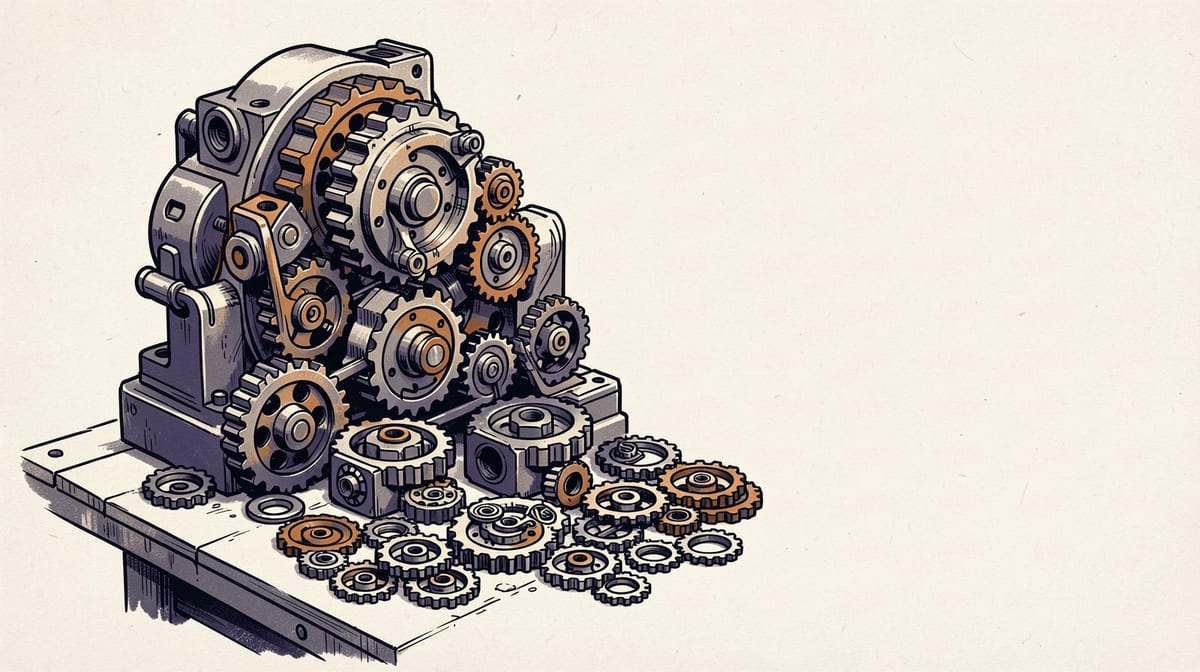
Your AI agent worked perfectly in testing. It seamlessly orchestrated multiple tools, handled complex workflows, and delivered impressive results. Then production happened, and everything fell apart.
The culprit? Tool dependencies you didn't see coming. When one MCP tool-use patterns production deployment fails, it creates a cascade that brings down entire agent workflows. The problem isn't just technical; it's architectural. Most teams design MCP tools in isolation without considering how they interact under real-world conditions.
According to analysis of over 8,000 MCP tools, dependency failures account for the majority of production agent incidents. Yet most teams only discover these failure points after users start complaining. This article breaks down why tool dependencies fail, how to identify them before they cause problems, and proven patterns for building resilient MCP architectures that survive production chaos.
The Dependency Problem: Why Tool Chains Fail in Production
Tool dependencies in MCP environments fail differently than traditional software dependencies. When your web API goes down, you get a clear error message. When an MCP tool fails mid-chain, your agent often continues executing with incomplete context, producing confidently wrong results.
Consider a common scenario: your agent needs to analyze a document, extract key data, then update a database. The document analysis succeeds, but the database tool fails due to a network timeout. Traditional error handling would stop execution. But LLMs often interpret tool failures as "no results found" and proceed with empty data, corrupting downstream operations.
The token economics make this worse. Agent loops accumulate full message history for LLM reasoning context, creating linear cost growth with each iteration. When tools fail and retry, you're not just paying for the failed operation; you're paying to maintain increasingly expensive conversation context across multiple failure attempts.
Design Checklist: Building Dependencies That Survive Production
Building resilient MCP tool dependencies requires systematic design choices that prioritize failure handling from the start. Use this checklist to evaluate your tool chains before production deployment:
Dependency Mapping:- [ ] Document all shared resources (auth, storage, network paths)
- [ ] Identify data flow dependencies between tools
- [ ] Map failure domains and shared failure points
- [ ] Define critical path vs optional operations
- [ ] Implement circuit breakers for all external dependencies
- [ ] Design fallback chains for critical operations
- [ ] Create graceful degradation paths for optional features
- [ ] Add state checkpointing for multi-step workflows
- [ ] Define explicit timeout hierarchies
- [ ] Implement retry with exponential backoff
- [ ] Handle partial failures differently from complete failures
- [ ] Prevent error context pollution in conversation history
- [ ] Create chaos engineering scenarios for each dependency
- [ ] Test failure combinations, not just individual tool failures
- [ ] Validate fallback paths under realistic load
- [ ] Measure conversation quality during failure scenarios
- [ ] Track dependency health scores, not just individual tool metrics
- [ ] Alert on leading indicators (latency increases, retry patterns)
- [ ] Monitor token cost growth during failure scenarios
- [ ] Measure end-to-end workflow success rates
- [ ] Calculate true dependency costs including failure scenarios
- [ ] Optimize tool ordering to minimize context growth
- [ ] Implement batching for related operations
- [ ] Design fallbacks that reduce rather than increase token usage
FAQ
Q: How do you identify which tool dependencies are critical vs optional in your agent workflows?A: Map your user value delivery paths first. Critical dependencies directly impact core user outcomes, while optional dependencies enhance the experience but don't block primary functionality. For example, in a document analysis agent, text extraction is critical but chart generation might be optional. Test this by disabling each tool and measuring impact on user task completion rates.
Q: What happens when a tool in the middle of a dependency chain fails - how do agents recover?A: This depends on your recovery pattern design. Circuit breakers isolate the failed tool, but you need explicit fallback logic for the dependent tools. Options include: skip the failed step and continue with partial results, substitute a simpler alternative tool, or checkpoint the workflow and retry later. The key is designing these recovery paths explicitly rather than letting the LLM improvise solutions.
Q: How much token overhead does maintaining full message history add to dependent tool chains?A: Token overhead grows linearly with conversation length but exponentially with failures. A successful 5-tool chain might use 2,000 tokens total. The same chain with two failures and retries can consume 8,000+ tokens due to accumulated error messages and retry context. Implement context pruning strategies and checkpoint-based recovery to control this growth.
Q: What's the difference between designing tools for independence vs designing for composition?A: Independent tools minimize shared dependencies and can operate in isolation, making them more reliable but potentially less efficient. Compositional tools are designed to work together, sharing context and resources for better performance but creating failure coupling. The best approach combines both: design tools to be independent by default but provide explicit composition interfaces when needed.
Q: How do you test MCP tool dependencies without running expensive production simulations?A: Use chaos engineering frameworks that can simulate failures without real production load. Create lightweight test environments that mirror your production dependency topology. Implement failure injection at the MCP protocol level rather than at the infrastructure level. This lets you test dependency scenarios with minimal token costs and without affecting real services.
Conclusion
Tool dependencies will make or break your production MCP deployments. The patterns that work in isolated testing often fail catastrophically when tools interact under real-world conditions. But teams that proactively design for dependency failures, implement proper monitoring, and test failure scenarios create robust agents that handle production chaos gracefully.
Start with dependency mapping to understand your hidden failure points. Implement circuit breakers and fallback patterns for your most critical tool chains. Build comprehensive testing that includes failure scenarios, not just happy path validation. Most importantly, monitor the relationships between tools, not just individual tool performance.
The investment in resilient design pays dividends in reduced support overhead, lower token costs, and better user experiences. Your agents will handle real-world failures gracefully instead of failing spectacularly when dependencies break.
Sources
Researched from the following. Figures and claims were current when this piece was written and may have moved since.
- 54 Patterns for Building Better MCP Toolsarcade.dev
- MCP Architecture Patterns for Production-Grade Agentsflowzap.xyz
- Part 4: Advanced MCP Patterns and Tool Chainingdev.to
- Writing Effective Tools for Agents: Complete MCP Development Guidemodelcontextprotocol.info
- MCP tools - Agent Development Kit (ADK)google.github.io
- Less is More: 4 design patterns for building better MCP serversklavis.ai
- Building AI Agents with Tool Use: Patterns That Work in Production (2026)dev.to
Comments